
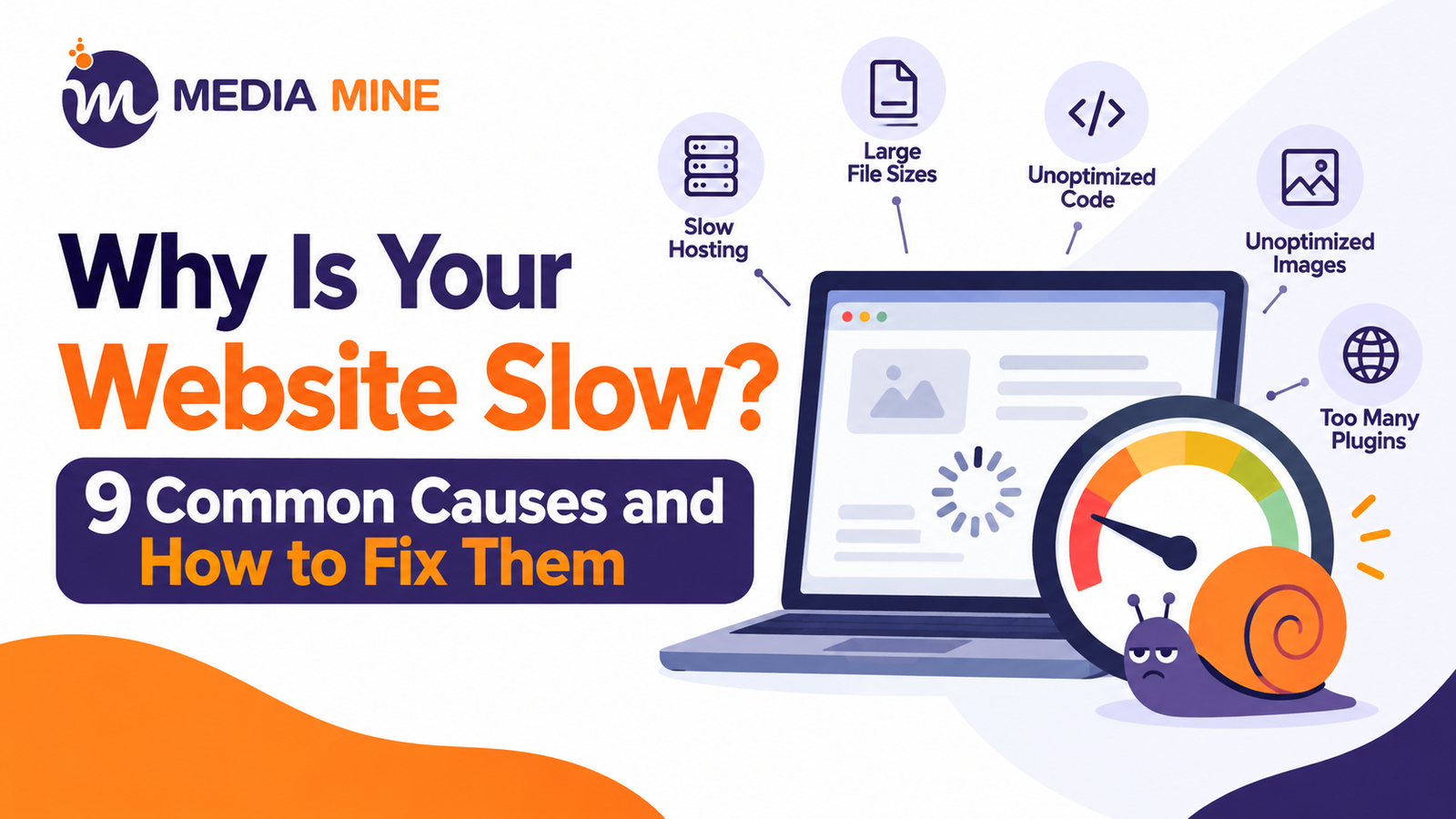
A slow website is one of the quietest ways to lose customers. Visitors don’t complain, they simply leave. If your pages take more than a few seconds to load, people bounce, Google notices, and your leads go to a faster competitor. The good news is that a slow website is almost always fixable once you know what is dragging it down.
In this guide, we break down the 9 most common causes of a slow website, show you exactly how to fix each one, answer the questions business owners ask most, and share a real case study from a Lahore-based business.
How Slow Is Too Slow?
As a simple rule, aim for your main content to appear in under 2.5 seconds on mobile. Google measures this through Core Web Vitals, specifically Largest Contentful Paint (LCP), Interaction to Next Paint (INP) and Cumulative Layout Shift (CLS). If your site fails these, it can hurt both user experience and search visibility.
Not sure where your site stands? Start with a proper website audit and test your key pages in Google PageSpeed Insights or GTmetrix. That will show you which of the causes below apply to you.
1. Cheap or Overloaded Hosting
Your hosting is the foundation of your speed. On cheap shared hosting, your site competes for server resources with hundreds of other websites, so response times (TTFB) become slow, especially during traffic spikes.
How to fix it: Move to a reliable managed, VPS or cloud hosting plan with servers close to your audience. If most of your customers are in Pakistan, choose a provider with strong regional performance or use a CDN.
2. Large, Unoptimized Images
Images are the number one reason for a slow website. A single 4 MB photo straight from a camera or stock site can slow a page by seconds.
How to fix it:
- Compress images before uploading (TinyPNG, Squoosh or an optimization plugin).
- Use modern formats like WebP or AVIF instead of heavy PNG and JPEG files.
- Resize images to the size they are actually displayed.
- Enable lazy loading so images below the fold load only when needed.
3. Too Many Plugins and Heavy Themes
Every plugin adds code, database queries and scripts. On WordPress, 30 or 40 plugins, many of them unused, can seriously slow a site. Heavy multipurpose themes with built-in sliders, animations and page builders add even more weight.
How to fix it: Deactivate and delete plugins you don’t use, replace several single-purpose plugins with one lightweight option, and choose a fast, well-coded theme. If you run WordPress for your business, our guide to WordPress for small business explains how to set it up the right way, and this list of best WordPress SEO plugins will help you pick tools that are useful without being bloated.
4. No Caching
Without caching, your server rebuilds every page from scratch for every visitor. That wastes time and resources.
How to fix it: Enable page caching and browser caching. On WordPress, a caching plugin such as LiteSpeed Cache, WP Rocket or W3 Total Cache can make a dramatic difference in minutes.
5. No CDN (Content Delivery Network)
If your server is far from your visitor, data takes longer to travel. A CDN stores copies of your static files (images, CSS, JavaScript) on servers around the world and delivers them from the closest location.
How to fix it: Use a CDN such as Cloudflare, which also adds a layer of security and has a free plan to start with.
6. Unminified CSS, JavaScript and Render-Blocking Code
Large, messy code files make the browser work harder before it can show anything. Scripts that load before your content (render-blocking resources) delay what the visitor actually sees.
How to fix it:
- Minify and combine CSS and JavaScript files.
- Defer or delay non-essential scripts.
- Remove code from tools and widgets you no longer use.
7. Too Many Third-Party Scripts and Heavy Fonts
Chat widgets, tracking pixels, heat maps, social feeds, ad scripts and multiple Google Fonts all make extra requests to outside servers. Individually they look harmless, but together they can slow a site badly.
How to fix it: Keep only the scripts that bring real value, load them asynchronously, limit yourself to one or two font families, and use font-display: swap so text appears immediately while fonts load.
8. A Bloated, Unoptimized Database
Over time, websites collect post revisions, spam comments, expired transients and leftover data from deleted plugins. A cluttered database makes every page request slower.
How to fix it: Clean your database regularly, limit post revisions, remove spam, and delete unused plugin data. Always take a full backup before making changes.
9. Outdated Design, Code and Software
Old themes, outdated plugins and old PHP versions are slower and less secure. If your website was built many years ago, it may also lack mobile-first design and modern performance practices. Sometimes the fixes above only go so far, and a rebuild is the smarter investment. Check these signs your website needs a redesign to see if that applies to you.
How to fix it: Keep WordPress, themes and plugins updated, run the latest stable PHP version, and make sure your site is built mobile-first.
Why a Slow Website Hurts Your Business
Speed isn’t just a technical detail. It affects:
- Conversions: Slower pages mean fewer enquiries, calls and orders.
- User experience: Visitors judge your credibility within seconds.
- SEO: Page experience is part of how Google evaluates sites. If your pages are not climbing, speed may be one of the reasons. Read why a website is not ranking on Google for the other common culprits.
- Ad spend: If you run paid campaigns, a slow landing page wastes your budget.
Frequently Asked Questions About a Slow Website
Why is my website suddenly slow?
A sudden slowdown usually comes from a recent change: a new plugin, an update, a traffic spike, oversized images, or a hosting problem. Check what changed in the last few days, and test your site on PageSpeed Insights to find the specific issue.
What is a good loading time for a website?
Aim for under 2.5 seconds for your main content on mobile, and ideally under 3 seconds for the full page. Faster is always better, particularly for e-commerce and lead-generation sites.
Does a slow website affect SEO?
Yes. Page speed and Core Web Vitals are part of Google’s page experience signals, and slow pages also increase bounce rate and reduce engagement. Speed alone won’t guarantee rankings, but a slow website makes ranking harder.
How can I check why my website is slow?
Use free tools like Google PageSpeed Insights, GTmetrix or WebPageTest. They show your load time and list the exact issues, such as large images, render-blocking scripts or slow server response.
Can too many plugins slow down a WordPress website?
Yes, but it’s the quality of plugins that matters more than the number. A few poorly coded or heavy plugins can slow your site more than 20 lightweight ones. Remove anything you don’t use.
Is my hosting the reason for my slow website?
It could be. If your site is still slow after optimizing images, caching, and code, check your server response time (TTFB). A consistently high TTFB points to a hosting problem, and upgrading your plan or provider is the fix.
How much does it cost to fix a slow website?
It depends on the cause. Simple fixes like image compression and caching can be done at little or no cost, while server upgrades or a full rebuild cost more. A speed audit will tell you where the real problem is before you spend money.
Case Study: Speed-Focused Website for Apex Enterprises
Client: Apex Enterprises, a general order and industrial supplier based in Lahore
Industry: Industrial supplies, hardware, pipes, fittings, valves, electrical goods, and procurement
The Challenge
Apex Enterprises serves manufacturing, construction, power, and oil and gas clients across Pakistan and supplies a wide catalog across eight product categories. A website like this is naturally image-heavy, with product photos, category banners, and service sections. Without careful optimization, that kind of content easily leads to a slow website, which is a real problem when buyers are comparing suppliers and want a quote quickly.
The business needed a site that looked professional, loaded fast on mobile, and made it easy for procurement managers to request a quote.
Our Approach
Our team at Mediamine360 built the website on WordPress with a performance-first mindset:
- Lightweight build: A clean structure with only the sections and features the business actually needs.
- Image optimization: Product and category images compressed and sized correctly, with lazy loading for below-the-fold content.
- Font and script control: Font loading set to swap so text shows immediately, and unnecessary scripts kept to a minimum.
- Caching and clean code: Caching and minified assets to reduce load time on repeat visits.
- Quote-first user experience: A clear Get a Quote button and WhatsApp ordering so visitors can contact the team in one tap, which matters when the site loads fast and the buyer is ready to act.
- Local SEO foundation: Optimized page titles, descriptions, and content around terms like “general order supplier in Lahore.”
The Results
After launch, the difference was clear. The Apex Enterprises website now loads quickly on both mobile and desktop, and its category and service pages open without frustrating delays. Visitors can browse the product range, read about the services and reach the team through the Get a Quote button or WhatsApp without waiting around. For procurement managers and business buyers who compare several suppliers in a short time, this faster, cleaner experience builds trust and makes it much easier to turn a visit into a quote request.
The takeaway is simple: when a website is built for speed from day one, visitors stay longer and enquiries come in more easily. You can see the finished result at apexenterprises.com.pk.
Want a fast, professional website like this for your own business? Mediamine360 builds speed-optimized, mobile-friendly websites that load quickly, rank better, and turn visitors into inquiries. Explore our web development services and let’s build yours.
Quick Checklist to Fix Your Slow Website
- Test your site on PageSpeed Insights.
- Compress and convert images to WebP.
- Remove unused plugins and heavy scripts.
- Enable caching and a CDN.
- Minify CSS and JavaScript.
- Clean your database.
- Update your CMS, theme, plugins and PHP version.
- Upgrade your hosting if the server is slow.
- Re-test and monitor monthly.
Final Thoughts
A slow website costs you traffic, rankings and customers every single day, but it rarely needs a miracle to fix. Start with the quick wins, images, caching and plugins, then move to hosting and code if the problem continues.
If you would rather have experts handle it, our web development services cover speed optimization, redesigns and fast, conversion-focused websites built from scratch. Get in touch with Mediamine360 and let’s make your website fast.